
Yard Visualizer now public at: https://yard-visualizer.repairhomeguide.com!!!!
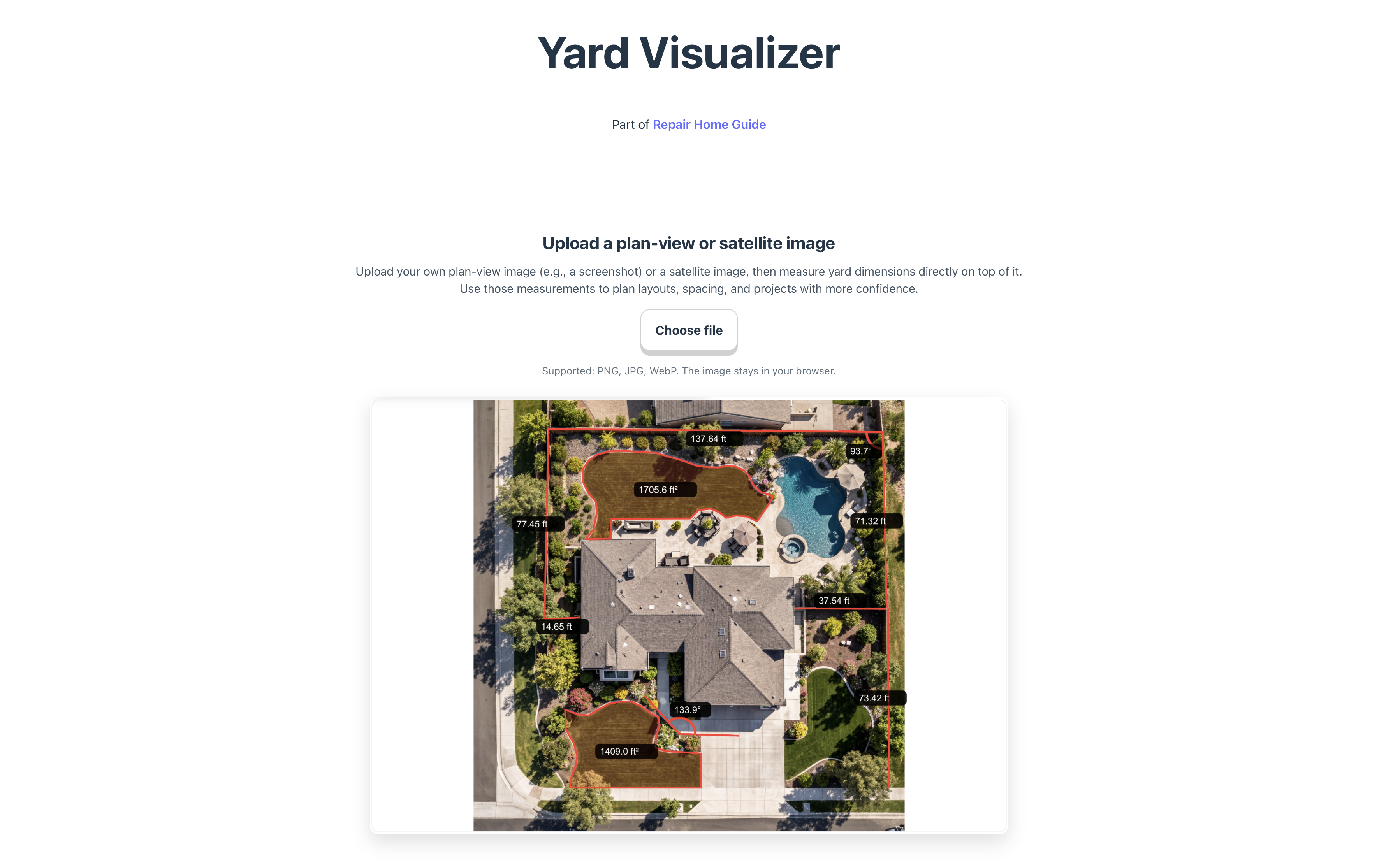
Yard Visualizer is a browser-based tool designed to help homeowners quickly measure and understand their yard layout using satellite or aerial images. Instead of estimating distances or switching between multiple apps, users can now upload an image of their own property and measure dimensions directly on it for early planning.
The tool is now publicly available in beta and will continue evolving with additional planning and visualization features.
What the tool does
The current version focuses on one core task:
turning a satellite image into a measurable planning surface.
With this workflow, users can:
• measure fence runs, lawn areas, and garden bed sizes
• understand spacing before installing plants or hardscape
• estimate materials such as pavers, mulch, or turf
• visualize yard layout for future design ideas
Because users upload their own images, the tool works with satellite screenshots, drone photos, or other aerial views.
Simple instructions
Step 1 — Upload an image
Upload a satellite or aerial image of your yard.

Step 2 — Calibrate scale
Select two points with a known real-world distance (for example, the width of your driveway) and enter that measurement. This sets the image scale.

Step 3 — Measure your yard
Click points on the image to draw lines and measure distances or angles. Measurements remain visible on the image for planning.

Example use case
A homeowner wants to install a planting bed along the fence.
- They upload a satellite image of the backyard.
- They calibrate scale using for example a known 10-ft patio edge.
- They draw a line along the fence and find it is 38 ft long.
- They mark a 4-ft bed width from the fence.
Result:
They now know the planting bed area is roughly 152 sq ft, which helps estimate soil, mulch, and plant quantity before starting the project.
Beta status and upcoming features
The current release focuses on measurement accuracy and usability. Planned future improvements include:
• view switching and layout exploration
• plant and hardscape placement tools
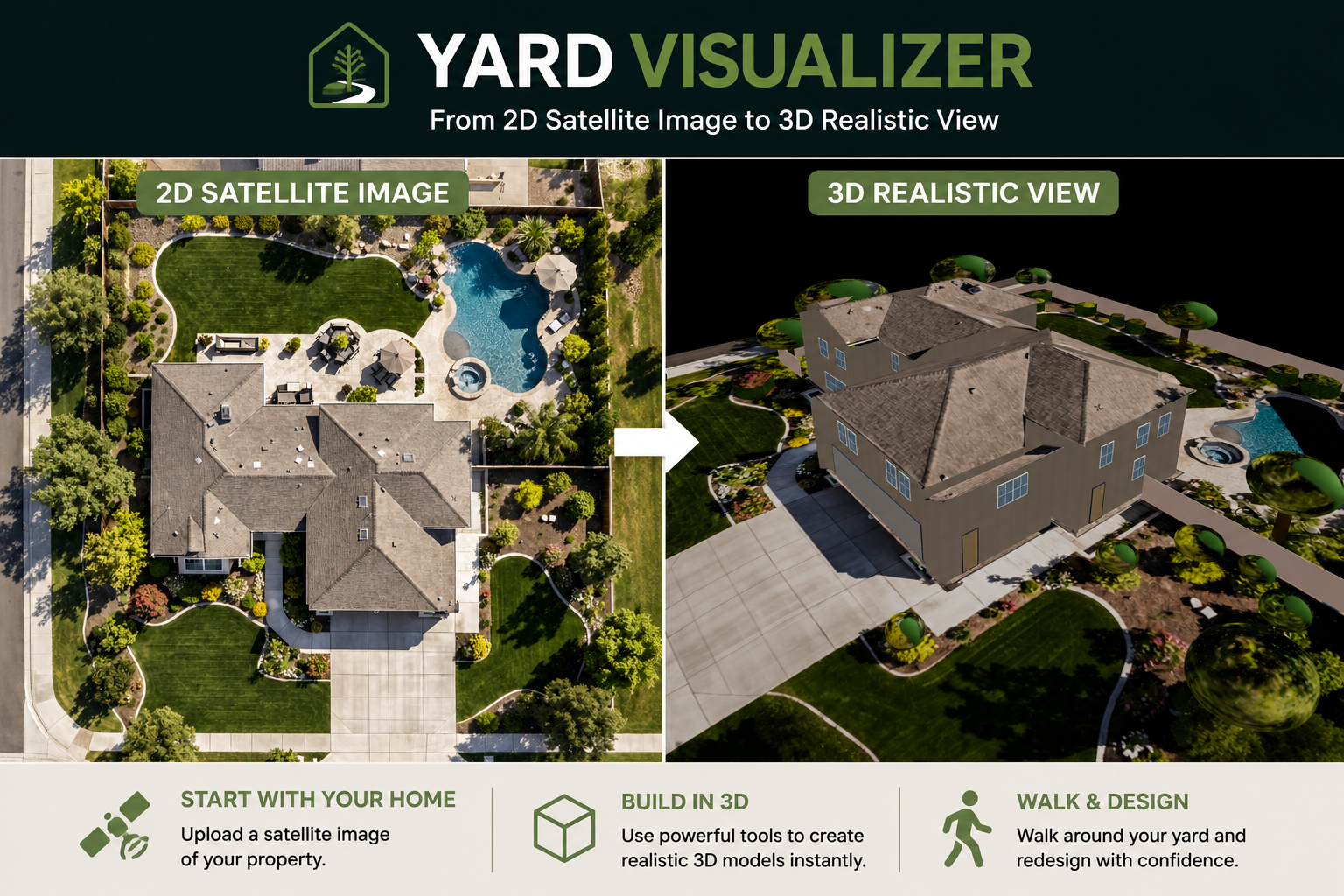
• 3D yard visualization
• exportable measurement summaries
Access the tool
Yard Visualizer is available at:
https://yard-visualizer.repairhomeguide.com
The tool runs directly in the browser and works best on desktop for precise measurement.
The public launch marks the start of iterative development. Feedback on measurement workflow, calibration clarity, and desired features will guide future updates as the tool expands from measurement utility to a broader yard planning platform.




Leave a Reply